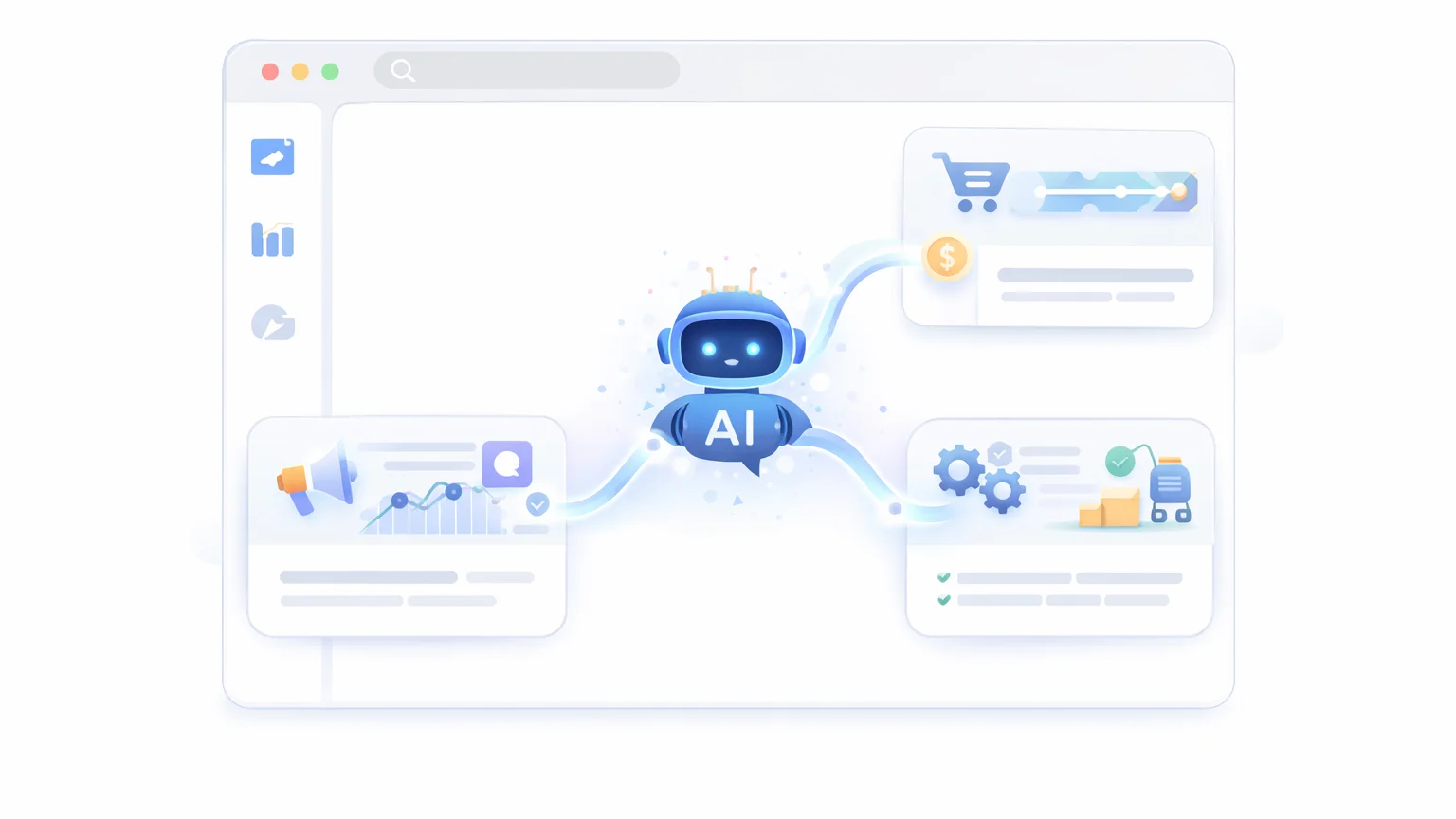

AI tools for business can automate repetitive tasks like marketing, customer support, content creation, and operations—allowing you to save hours every week while reducing costs. With the right setup, a small team (or even a solo founder) can achieve the output of a much larger business.
Running a business today is not just about working hard—it’s about working efficiently.
Most businesses lose time on repetitive tasks.
Writing emails. Creating content. Managing support. Handling data.
Individually, these tasks seem small. But together, they consume hours every day.
That’s where AI changes the game.
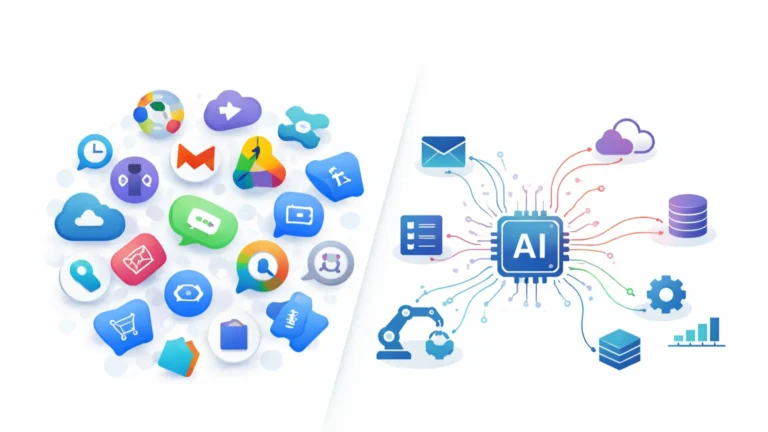
Instead of hiring more people or adding more tools, you can use AI to automate large parts of your workflow—freeing up time to focus on growth, strategy, and decision-making.
In this guide, you’ll discover the best AI tools businesses are using to automate operations, reduce workload, and scale faster—without increasing costs.
Why Businesses Are Adopting AI Tools
Businesses aren’t adopting AI because it’s a trend—they’re adopting it because it solves real operational problems.
The biggest one? Time.
Rising Costs and Limited Resources
Hiring more people isn’t always the answer.
- Higher salaries
- Operational overhead
- Training and management
For many businesses—especially small teams—scaling through hiring becomes expensive quickly.
AI offers a different path: increase output without increasing headcount.
—
Repetitive Tasks That Drain Productivity
Many business tasks don’t require deep thinking—they’re repetitive.
- Writing emails and content
- Responding to customer inquiries
- Managing data and reports
These tasks are necessary—but they consume time that could be spent on growth.
AI automates these patterns efficiently.
—
Speed as a Competitive Advantage
In business, speed matters.
- Faster content creation
- Quicker responses to customers
- Rapid decision-making
Companies that move faster often outperform those that don’t.
AI helps businesses operate at that speed.
—
Doing More with Less
The biggest shift is leverage.
- One person can produce more
- Small teams can operate like larger ones
- Processes can run with minimal manual input
This is why AI is especially powerful for startups and small businesses.
—
From Manual Work to Automated Systems
Businesses are moving away from manual workflows.
- Less repetitive work
- More automated processes
- Better use of human effort
AI isn’t replacing businesses—it’s changing how they operate.
And those who adopt it early gain a significant advantage.
10 AI Tools for Business
These AI tools are designed to solve real business problems—helping you automate tasks, reduce costs, and scale operations without increasing workload.
1. AI Writing Tool (Marketing & Content)
Use case: Blogs, ads, emails, product descriptions
What it does: Generates content quickly and efficiently.
No more starting from scratch for every piece of content.
Why it helps: Saves hours on content creation and marketing.
—
2. AI Customer Support Tool
Use case: FAQs, chat support, onboarding
What it does: Automates responses to common customer questions.
Provides instant support without human involvement.
Why it helps: Reduces support workload and improves response time.
—
3. AI Sales & Outreach Tool
Use case: Lead generation, cold emails
What it does: Personalizes outreach and follow-ups.
Helps you connect with more prospects efficiently.
Why it helps: Increases response rates and saves time.
—
4. AI Marketing Automation Tool
Use case: Campaigns, funnels, email sequences
What it does: Automates marketing workflows.
Runs campaigns with minimal manual input.
Why it helps: Improves efficiency and consistency.
—
5. AI Social Media Tool
Use case: Posts, captions, scheduling
What it does: Generates and manages social content.
Maintain an active presence without constant effort.
Why it helps: Saves time and boosts engagement.
—
6. AI Data Analysis Tool
Use case: Reports, insights, decision-making
What it does: Analyzes data and generates insights.
Helps you understand trends quickly.
Why it helps: Improves decision-making with less effort.
—
7. AI Workflow Automation Tool
Use case: Connecting apps, automating processes
What it does: Links tools and automates repetitive workflows.
Turns manual tasks into automated systems.
Why it helps: Saves time and reduces errors.
—
8. AI Design Tool
Use case: Graphics, branding, visuals
What it does: Creates designs and visual content.
No need for advanced design skills.
Why it helps: Speeds up content creation.
—
9. AI Meeting & Productivity Tool
Use case: Meetings, notes, summaries
What it does: Records and summarizes discussions.
Captures key points automatically.
Why it helps: Saves time on admin work.
—
10. AI All-in-One Business Assistant
Use case: Multiple business operations
What it does: Combines writing, research, and automation.
One tool can replace several others.
Why it helps: Simplifies your entire workflow.
—
Pro tip: Focus on the areas where your business loses the most time—marketing, support, or operations—and start automating there first.
Best AI Stack for Business
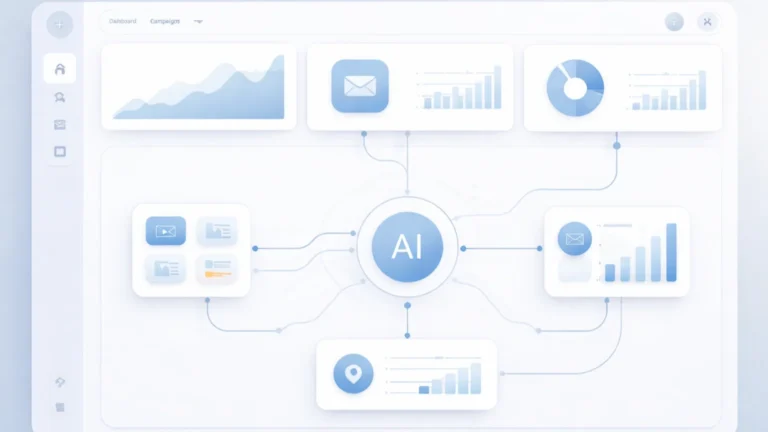
You don’t need dozens of tools to automate your business. In most cases, a simple stack of 3–4 AI tools can handle the majority of operations—marketing, communication, and workflows.
The goal is not more tools. It’s building a system.
Core Business Stack (Most Effective Setup)
- AI Writing Tool → content, emails, marketing copy
- AI Automation Tool → connect apps and automate workflows
- Data & Storage Tool → manage information and processes
- Execution Tools → email, CMS, social platforms
This setup covers most business needs without unnecessary complexity.
—
Marketing-Focused Stack
- AI Writing Tool → blogs, ads, emails
- AI Social Media Tool → posts and scheduling
- AI Marketing Automation Tool → campaigns and funnels
Perfect for businesses focused on growth and visibility.
—
Operations & Automation Stack
- AI Workflow Tool → automate processes
- AI Customer Support Tool → handle inquiries
- AI Data Analysis Tool → insights and reporting
This reduces manual workload and improves efficiency.
—
Solo Founder / Small Business Stack
- AI All-in-One Assistant → writing, research, planning
- Automation Tool → basic workflows
This allows one person to handle multiple roles efficiently.
—
Keep It Simple
The biggest mistake businesses make is overcomplicating their setup.
- Too many tools = higher costs
- Too many systems = inefficiency
Start with one workflow—marketing, support, or operations—and automate that first.
Once it works, expand gradually.
A simple system that runs smoothly will always outperform a complex one that doesn’t.
How AI Reduces Costs in Business
One of the biggest reasons businesses adopt AI is simple: cost reduction.
But it’s not just about spending less—it’s about doing more with the same resources.
Reducing the Need for Multiple Tools
Many businesses rely on multiple SaaS tools for different tasks.
- Writing tools
- Marketing platforms
- Customer support systems
Each tool comes with its own subscription cost.
AI can replace or consolidate several of these tools into one system.
Result: Lower monthly software expenses.
—
Lowering Labor Costs
Hiring more people increases operational costs.
- Salaries
- Training
- Management overhead
AI can handle repetitive tasks that would normally require additional staff.
- Customer support responses
- Content generation
- Data processing
Result: Smaller teams can achieve more output.
—
Saving Time (Hidden Cost Reduction)
Time is one of the most expensive resources in any business.
- Manual work takes hours
- Repetitive tasks slow down progress
AI reduces the time required for these tasks significantly.
Result: More time for strategy, growth, and revenue-generating activities.
—
Improving Efficiency Across Operations
AI doesn’t just cut costs—it improves how work gets done.
- Faster execution
- Fewer errors
- Consistent outputs
This leads to better overall performance.
Result: Higher productivity without increasing expenses.
—
Scaling Without Increasing Costs
Traditional growth requires more resources.
AI changes that model.
- Handle more customers
- Produce more content
- Automate more workflows
All without proportional cost increases.
Result: Better margins as the business grows.
—
Bottom line: AI doesn’t just save money—it increases efficiency, allowing businesses to grow without increasing costs at the same rate.
Limitations of AI in Business
AI can automate many parts of a business—but it’s not a complete replacement for human judgment, strategy, or decision-making.
Understanding its limitations helps you use it effectively instead of over-relying on it.
Not Always Accurate
AI can generate fast outputs—but not always correct ones.
- Incorrect information
- Misinterpretation of context
- Generic or incomplete responses
For business-critical tasks, human review is still necessary.
—
Lack of Business Context
AI doesn’t fully understand your specific business.
- Your brand voice
- Your target audience
- Your internal processes
You need to guide and refine outputs to match your business needs.
—
Limited Strategic Thinking
AI can assist with execution—but not high-level strategy.
- It can generate ideas
- But it doesn’t understand long-term goals
Strategy still requires human decision-making.
—
Setup and Integration Complexity
While AI tools are powerful, building systems takes effort.
- Connecting tools
- Designing workflows
- Testing and refining processes
There’s a learning curve before you see full benefits.
—
Over-Reliance Risk
Using AI for everything can create dependency.
- Less critical thinking
- Over-automation of important tasks
Balance is key—AI should support your business, not run it blindly.
—
Data Privacy and Security
Many AI tools process data externally.
- Customer data
- Business information
- Internal documents
It’s important to choose tools carefully and follow data protection practices.
—
Bottom line: AI is a powerful assistant—not a replacement for business thinking. The most effective businesses combine AI efficiency with human judgment.
FAQ: AI Tools for Business
What are the best AI tools for business?
The best AI tools for business include writing tools, automation platforms, customer support AI, and data analysis tools. The right combination depends on your business needs and workflows.
Can AI automate a business?
AI can automate many parts of a business, such as marketing, customer support, and operations. However, human oversight is still required for strategy and decision-making.
Are AI tools worth it for small businesses?
Yes. AI tools can help small businesses save time, reduce costs, and increase productivity, allowing them to compete with larger companies more effectively.
How do businesses use AI tools?
Businesses use AI for content creation, customer support, marketing automation, data analysis, and workflow automation to improve efficiency and scalability.
What is the best AI tool for automation?
The best tool depends on your workflow, but AI automation platforms that connect apps and automate processes are among the most valuable for businesses.