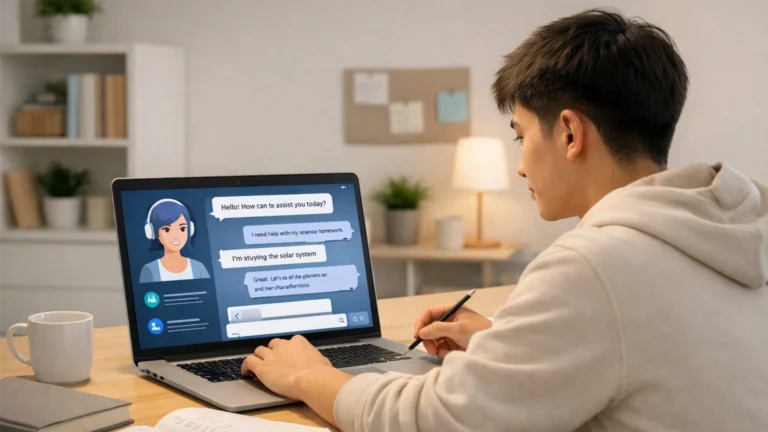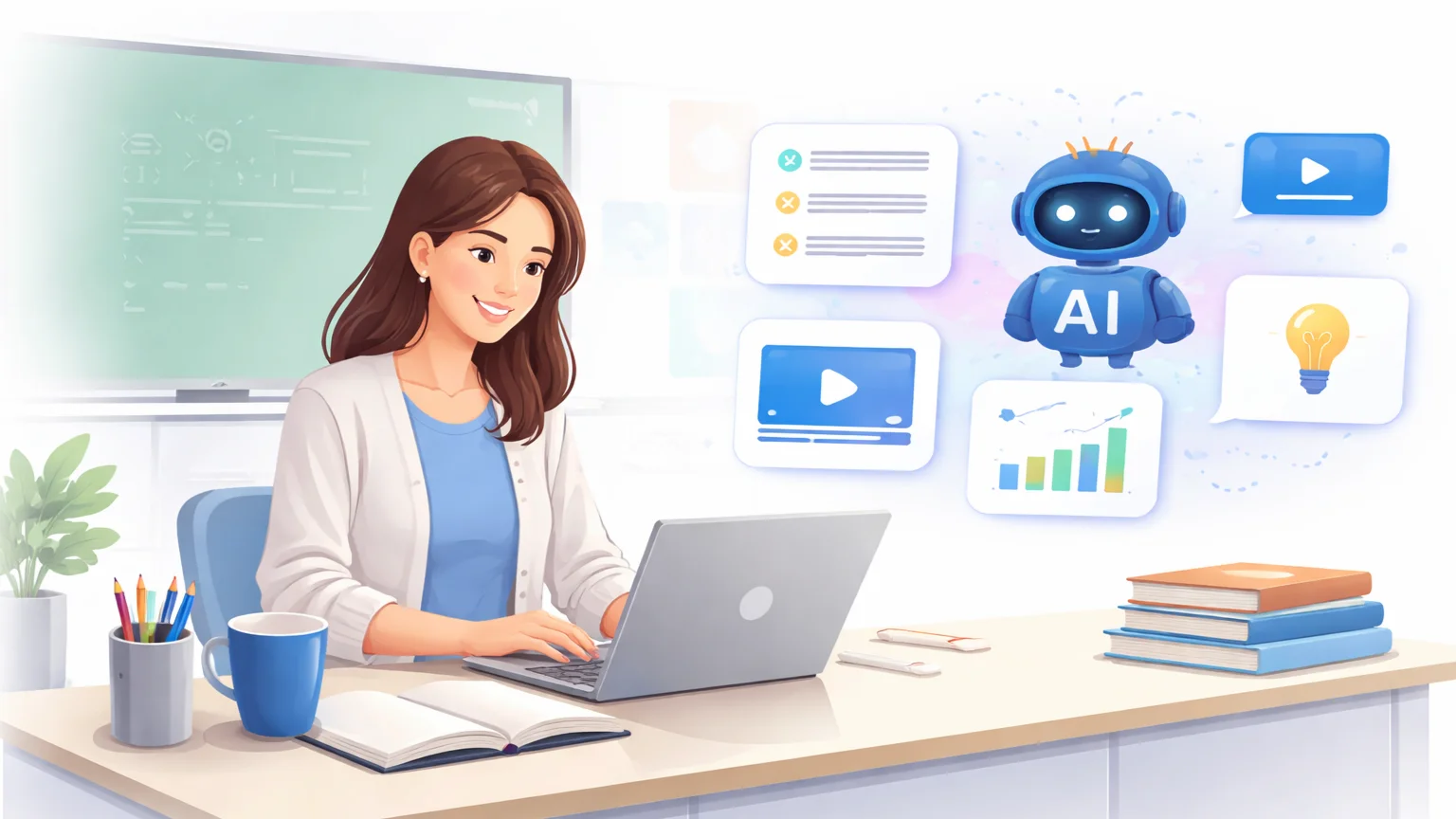

Best AI tools for teachers can dramatically reduce workload by automating tasks like lesson planning, grading, content creation, and communication. With the right tools, teachers can save hours every week while maintaining—and even improving—the quality of their teaching.
Teaching has never been more demanding.
More students. More responsibilities. More admin work.
Most teachers don’t struggle because of teaching itself—they struggle because of everything around it. Writing lesson plans, creating materials, grading assignments, responding to emails… it all adds up fast.
That’s where AI becomes a game changer.
Instead of spending hours on repetitive tasks, you can use AI to automate preparation, generate resources, and streamline communication—freeing up time to focus on what actually matters: teaching.
In this guide, you’ll discover the best AI tools teachers are using to save time, reduce burnout, and work more efficiently—without sacrificing quality.
Why Teachers Are Using AI to Work Smarter
Teachers aren’t adopting AI because it’s new—they’re adopting it because the workload has become overwhelming.
The real challenge isn’t teaching. It’s everything around it.
Too Many Tasks, Not Enough Time
A teacher’s day doesn’t end in the classroom.
- Lesson planning
- Creating materials
- Grading assignments
- Writing reports and emails
These tasks can take hours every week—often outside of working hours.
AI helps reduce that load significantly.
—
Repetitive Work That Doesn’t Scale
Many teaching tasks are repetitive.
- Writing similar lesson plans
- Creating quizzes from the same topics
- Giving feedback on similar mistakes
AI can automate these patterns, allowing teachers to focus on meaningful interactions instead of repetitive work.
—
Faster Preparation, Better Teaching
When preparation takes less time, teaching improves.
- More time for student interaction
- Better lesson delivery
- More creative teaching approaches
AI doesn’t replace preparation—it accelerates it.
—
Reducing Burnout
Teacher burnout is a real issue.
- Long hours
- Heavy workloads
- Administrative pressure
AI helps by removing unnecessary workload, giving teachers more control over their time.
—
From Overworked to Optimized
The biggest shift is not just about saving time—it’s about working differently.
- Less manual work
- More efficient systems
- Better use of time
AI allows teachers to move from being overworked… to being optimized.
10 Best AI Tools for Teachers
These tools are designed to solve real teaching problems—saving time on preparation, grading, and communication while improving overall efficiency.
1. AI Lesson Plan Generator
Use case: Creating structured lesson plans
What it does: Generates complete lesson plans based on topic and level.
No more starting from scratch every time.
Why it helps: Saves hours of preparation each week.
—
2. AI Quiz & Test Creator
Use case: Creating assessments
What it does: Generates quizzes, tests, and questions instantly.
You can create multiple variations quickly.
Why it helps: Speeds up assessment creation.
—
3. AI Grading Assistant
Use case: Reviewing assignments
What it does: Provides feedback and grading suggestions.
Reduces repetitive evaluation work.
Why it helps: Cuts grading time significantly.
—
4. AI Content Creator
Use case: Worksheets, materials, resources
What it does: Generates teaching content quickly.
Create exercises, examples, and activities instantly.
Why it helps: Reduces prep workload.
—
5. AI Writing & Communication Tool
Use case: Emails, reports, feedback
What it does: Helps draft professional communication.
Quickly write clear and structured messages.
Why it helps: Saves time on admin communication.
—
6. AI Classroom Engagement Tool
Use case: Interactive learning
What it does: Creates activities and interactive content.
Helps keep students engaged.
Why it helps: Improves participation and learning experience.
—
7. AI Transcription Tool
Use case: Lectures and discussions
What it does: Converts speech into text.
Automatically captures classroom content.
Why it helps: Saves time on note-taking.
—
8. AI Research Assistant
Use case: Finding teaching materials
What it does: Summarizes and gathers information.
Quickly discover relevant content.
Why it helps: Speeds up research.
—
9. AI Presentation Generator
Use case: Slides and lessons
What it does: Creates structured presentations.
No need to design slides manually.
Why it helps: Saves hours on preparation.
—
10. AI All-in-One Teaching Assistant
Use case: Multiple teaching tasks
What it does: Combines writing, planning, and research.
One tool handles multiple needs.
Why it helps: Simplifies your workflow.
—
Pro tip: Start with 2–3 tools that solve your biggest time-consuming tasks—lesson planning, grading, or communication—and expand from there.
Best AI Tool Stack for Teachers
You don’t need 10 different tools to see results. In most cases, a simple stack of 2–3 AI tools can handle the majority of teaching tasks—planning, grading, and content creation.
The goal is not complexity. It’s efficiency.
Minimal Teaching Stack (Best for Most Teachers)
- AI Lesson Plan Generator → create structured lessons quickly
- AI Content Creator → generate worksheets and materials
- AI Writing Tool → handle emails, reports, and feedback
This setup alone can save several hours each week.
—
Assessment & Grading Stack
- AI Quiz Creator → generate tests instantly
- AI Grading Assistant → provide feedback faster
- AI Writing Tool → standardize comments and reports
Perfect for reducing time spent on repetitive evaluation tasks.
—
Classroom Engagement Stack
- AI Content Creator → design interactive activities
- AI Presentation Tool → build engaging slides
- AI Research Assistant → find fresh teaching ideas
This helps make lessons more dynamic without increasing prep time.
—
All-in-One Simple Setup
- One AI assistant tool (lesson planning + writing + research)
- One content generator (materials + activities)
If you prefer simplicity, this combination is enough for most teaching needs.
—
Keep It Practical
The biggest mistake is overcomplicating your setup.
- Too many tools = more confusion
- Too much switching = wasted time
Start with one problem—lesson planning, grading, or communication—and solve that first.
A simple system you actually use is far more powerful than a complex one you don’t.
How to Use AI Without Losing Teaching Quality
AI can save time—but if used incorrectly, it can reduce the quality of your teaching. The goal isn’t to replace your role. It’s to support it.
The best approach is simple: use AI as an assistant, not a substitute.
Use AI for Preparation, Not Delivery
AI is excellent for behind-the-scenes work.
- Generate lesson plans
- Create materials and worksheets
- Draft quizzes and activities
But the actual teaching—your explanations, your interaction with students—that should always stay human.
—
Adapt AI Outputs to Your Teaching Style
AI generates generic content by default.
- Adjust tone and examples
- Match your students’ level
- Align with your curriculum
This ensures your teaching remains personal and effective.
—
Focus on Student Understanding
AI can create content—but it can’t replace human connection.
- Answer questions
- Encourage discussion
- Provide real-time feedback
These are the parts of teaching that matter most.
—
Use AI to Enhance, Not Shortcut
AI should improve your process—not skip important steps.
- Use it to generate ideas
- Use it to refine materials
- Use it to save time on repetitive work
But always review and refine outputs before using them in class.
—
Maintain Professional Judgment
AI doesn’t understand your students the way you do.
- It doesn’t know their strengths
- It doesn’t know their struggles
- It doesn’t understand classroom dynamics
Your judgment is still the most important factor in teaching.
—
When used correctly, AI doesn’t reduce teaching quality—it improves it. By removing repetitive tasks, it gives you more time to focus on what truly matters: your students.
Limitations of AI in Teaching
AI can significantly reduce workload—but it’s not a perfect solution. Understanding its limitations helps you use it effectively without compromising your teaching.
Here are the key challenges teachers should be aware of:
Not Always Accurate
AI can generate content quickly, but not always correctly.
- Incorrect information
- Oversimplified explanations
- Misaligned content with curriculum
Always review AI-generated materials before using them in class.
—
Lack of Personalization
AI doesn’t truly understand your students.
- Different learning speeds
- Individual challenges
- Classroom dynamics
It generates general content, but effective teaching requires personalization.
—
Limited Context Awareness
AI doesn’t fully understand your teaching environment.
- School requirements
- Curriculum standards
- Assessment criteria
You need to adapt outputs to fit your specific context.
—
Over-Reliance Risk
Relying too much on AI can reduce creativity and teaching quality.
- Less original lesson design
- Reduced critical thinking in planning
AI should support your process—not replace it.
—
Ethical and Policy Concerns
Some schools have strict policies on AI use.
- Data privacy concerns
- Student data handling
- Institutional guidelines
Always ensure your use of AI aligns with school policies.
—
The goal is not to avoid AI—but to use it strategically. When used correctly, it enhances your efficiency. When misused, it can limit your effectiveness.
FAQ: AI Tools for Teachers
What are the best AI tools for teachers?
The best AI tools for teachers include lesson plan generators, quiz creators, grading assistants, and AI writing tools. The right tools depend on your teaching needs and workload.
Can AI help teachers save time?
Yes. AI can automate repetitive tasks like lesson planning, grading, and content creation, allowing teachers to save hours every week.
Are AI tools allowed in teaching?
In most cases, yes. However, schools and institutions may have specific policies regarding AI use, especially related to data privacy and student information.
Can AI grade assignments?
AI can assist with grading by providing feedback and suggestions, but human review is still necessary to ensure fairness and accuracy.
Will AI replace teachers?
No. AI is a support tool that helps teachers work more efficiently. It cannot replace human interaction, judgment, and the personal connection required for effective teaching.